

Automatic Bitcoin Blake2b Split on BTC Deposit
Published 2026-11-09 UTC
Deposit BTC on AltQuick and get Bitcoin Blake2b (BTC2B) credited 1:1 without downloading fork software. Budget the BTC deposit fee and both withdrawal fees.
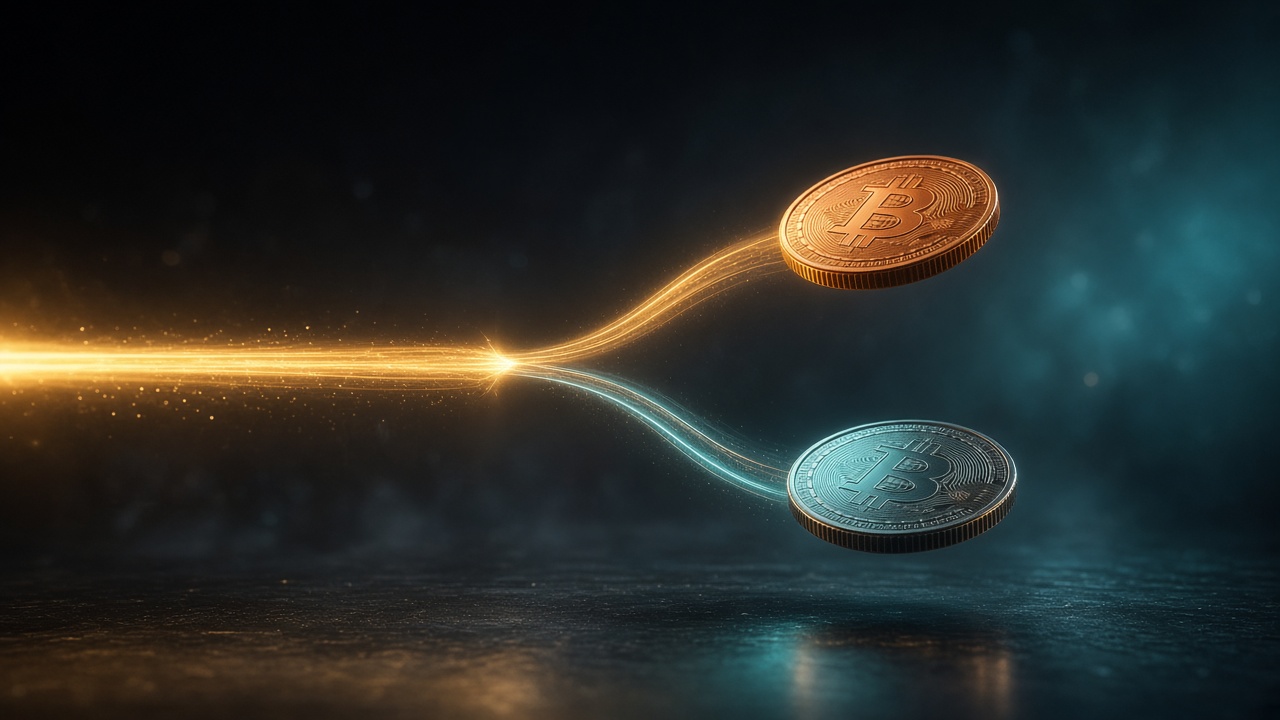
Fork season usually means homework: download a special wallet, import keys you would rather never move, pray you did not paste a seed into the wrong window, then wait. We got tired of that story.
On AltQuick, Bitcoin Blake2b (BTC2B) is wired for a simpler path. Deposit Bitcoin that still carries Blake2b with it, and we credit BTC2B 1:1 — no fork-wallet download required — then you can withdraw BTC and BTC2B when you are ready. This post is the honest version: what Blake2b is, how the deposit path works, and the fees you should actually budget for.
No promises that BTC2B is worth anything. Fork coins can trade at a sneeze or a shrug. The service is about access and mechanics, not hype.
What Bitcoin Blake2b is
Bitcoin Blake2b is a Bitcoin hardfork that switched proof of work from SHA-256d to BLAKE2b, after BIP-110 failed to activate as a softfork. The chain keeps Bitcoin's pre-fork ledger and the 21 million schedule, with a 164-byte version-2 header. Temporary data-storage limits run until 1 September 2027; the BLAKE2b proof-of-work change is described as permanent on AltQuick's public asset page (Bitcoin Blake2b asset page).
Public resources linked from that page include the project site (bitcoin-blake2b.org), explorer (mempool.guide), and a Knots release tag used as source reference. Prefer explorers plus official links when you verify a balance — we are not going to pretend a contested block-height rumor belongs in this post.
We list a live Bitcoin-quoted book here: BTC2B/BTC.
The old way to claim a fork
The classic DIY path looks like this:
- Find the fork's node or wallet software.
- Install it, sync a chain you may never touch again.
- Import or sweep keys that also control your mainnet BTC.
- Hope the tool is honest.
- Finally move the fork coin somewhere safer.
That process has a real cost: time, disk, operational risk, and the permanent fear of touching keys that guard mainnet coins. Some people love that ritual. Most people just want the coins separated without building a second career in fork archaeology.
How AltQuick handles Blake2b on deposit
Our public market and asset copy say the important mechanical fact out loud: deposits use the same Bitcoin bech32 address. A BTC2B-only deposit address cannot be generated. An unsplit send can credit both BTC and BTC2B. Split carefully (asset page, market page).
Here is the rule we stand behind: when you deposit Bitcoin that still has Blake2b attached, we credit BTC2B 1:1. That auto-split started when we put the feature live a while ago. There is no extra split fee on top of the normal Bitcoin deposit fee listed in the FAQ — free means free of carnival tickets, not free of the usual BTC deposit fee.
We are not back-crediting Blake2b for coins that were already split before that feature went live, and we are not crediting forks for balances that merely sat on the site through a fork event. That matches our public FAQ: we do not credit forks for balances held through a fork — withdraw if you want to claim forks with your own keys (FAQ — fork policy). Keeping that line keeps life simple for us and helps the bottom line of taking care of people's coins.
So: deposit path with unsplit BTC that still carries Blake2b → 1:1 BTC2B credit since the feature went live. Prior / held-through-the-fork claims → not credited, per the FAQ. Different problems. Do not conflate them.
Fees you should actually plan for
All figures below come from the public FAQ. Re-check before you move size — listed fees can change.
| Action | Fee (FAQ) | Confirmations (FAQ) |
|---|---|---|
| Bitcoin deposit | 0.0002 BTC | 1 |
| Bitcoin withdrawal | 0.0001 BTC | — |
| Bitcoin Blake2b deposit | 0 BTC2B | 6 |
| Bitcoin Blake2b withdrawal | 0.01 BTC2B | — |
Be aware of the BTC deposit fee, then the BTC withdrawal fee and the BTC2B withdrawal fee, if you plan to take both sides back out.
Trading BTC2B later on the BTC2B/BTC book uses the normal 1% maker/taker schedule on ordinary sizes (FAQ). Swap, if you use it, has its own 1% service fee.
No guaranteed price. No "this fork will moon" nonsense. Budget fees like an adult; treat any fork balance as optional optionality.
How to do it, step by step
- Create an AltQuick account at signup if you do not have one.
- Open Deposit and use the Bitcoin deposit flow.
- Send BTC that still carries Blake2b (unsplit). Wait for the Bitcoin confirmation count in the FAQ.
- Check that BTC and BTC2B balances reflect the 1:1 deposit credit.
- Withdraw BTC and/or BTC2B when you want keys in your own wallets. Remember both withdrawal fees.
- Optional: trade on BTC2B/BTC or use Swap if that fits the size.
If you are depositing only to separate Blake2b and leave, great. If you are depositing to trade, also great. Either way, read System Status when you care about downtime, and keep emergency withdrawal addresses updated per the FAQ security notes.
Why we bother
Because fork UX is usually hostile to normal Bitcoin users, and it does not have to be. Shared bech32 deposit semantics already create a natural split surface. Wiring that into an exchange flow means someone can get BTC2B without installing a second religion on their laptop.
We still will not pretend the coin's market value is our promise. Markets discover that on the BTC2B/BTC page. Our job is the plumbing: deposit, credit 1:1, withdraw — with the fees listed in public, not whispered in a group chat.
Shared addresses are the whole trick
Bitcoin Blake2b did not invent a cute new deposit UX out of nowhere. Because the fork kept the pre-fork ledger and because bech32 receive addresses can be recognized across the split in the way our asset page describes, an unsplit transaction can show up on both chains. That is powerful and dangerous.
Powerful: one send can create balances on BTC and BTC2B without a second ritual. Dangerous: if you meant to move only one chain's coins, or you are sweeping keys carelessly, you can surprise yourself. "Split carefully" is not decoration on our asset page. It is the warning label.
AltQuick's deposit tooling is how we turn that chain fact into a customer path that does not require installing fork software first. You use the Bitcoin deposit flow you already understand. The Blake2b side can arrive because of how the networks share address semantics — then you withdraw BTC2B out on its own fee schedule.
What "free" does and does not mean
"Free split" should never be read as "no fees anywhere." The public FAQ still lists a Bitcoin deposit fee, a Bitcoin withdrawal fee, and a Blake2b withdrawal fee. Free, in the sense we mean it as operators, is about not charging an extra fee just to recognize the fork credit on deposit.
You still pay network and listed exchange fees. You still wait for confirmations. Blake2b deposits are listed at six confirmations on the FAQ; Bitcoin deposits at one. Plan for that.
Custody after the split
Once BTC2B is in your AltQuick balance, treat it like any other coin: trade it on BTC2B/BTC, or withdraw it. Long-term storage belongs in wallets and nodes you have verified for the Blake2b chain — start from links on our asset page (project site, explorer, source tag) and do your own diligence.
If your goal was only to separate the fork coin from mainnet BTC you were already moving, deposit → credit → withdraw can be the whole story. If your goal is trading, the book is there. Either way, do not confuse "we made the split less miserable" with "we guaranteed you a profitable airdrop."
FAQ
Do I need to download a Blake2b wallet to get BTC2B on AltQuick?
Not for the deposit split path. Deposit Bitcoin that still carries Blake2b; we credit BTC2B 1:1. For long-term custody of BTC2B after withdrawal, use software or an address format you have verified for the Blake2b chain.
What fees hit me if I deposit BTC and withdraw both coins?
Per the FAQ: 0.0002 BTC to deposit Bitcoin, then 0.0001 BTC to withdraw Bitcoin and 0.01 BTC2B to withdraw Blake2b — plus any trading fees if you trade. There is no extra "split fee."
Will AltQuick credit Blake2b for BTC I already held on the site through the fork?
No. The FAQ says forks are not credited for balances held on the site; withdraw to claim forks yourself. The deposit split path only applies to Bitcoin deposited (with Blake2b still attached) after we put the feature live.
Is BTC2B a good investment?
We are not saying that. This post is about access and fees.
Where do I verify the chain?
Start with AltQuick's linked explorer mempool.guide and site bitcoin-blake2b.org.